Building Mobile Apps with Ionic and Angular
Build mobile apps with Ionic and Angular using our expert guide. Discover tips, best practices, and insights from MultiGenesys for successful app development
Building Mobile App with Ionic and Angular
Introduction
In the rapidly evolving world of mobile app development, choosing the right framework can make a significant difference in the ease of development and the quality of the final product. One of the standout options is Ionic, a powerful framework that leverages Angular to build high-quality mobile applications.
What is Ionic?
Ionic is an open-source framework designed for building cross-platform mobile applications using web technologies such as HTML, CSS, and JavaScript. It provides a library of pre-built components and tools that make the development process faster and more efficient.
Why Angular with Ionic?
Angular, developed by Google, is a robust front-end framework for building dynamic web applications. When combined with Ionic, Angular can be used to create performant, maintainable, and scalable mobile apps. Here are a few reasons why this combination is powerful:
-
Two-way Data Binding:
Experience the ease of Angular’s two-way data binding, where the harmony between model and view flows effortlessly, freeing you from the tedium of boilerplate code.
-
Modular Architecture: Angular’s modular architecture helps in organizing code into cohesive blocks, making it easier to manage and maintain.
-
Rich Component Library: Ionic provides a vast library of ready-to-use UI components that integrate seamlessly with Angular.
-
Cross-Platform Compatibility: Develop once and deploy on multiple platforms, including iOS, Android, and the web.
Getting Started with Ionic and Angular
Let’s walk through the basic steps to get started with Ionic and Angular.
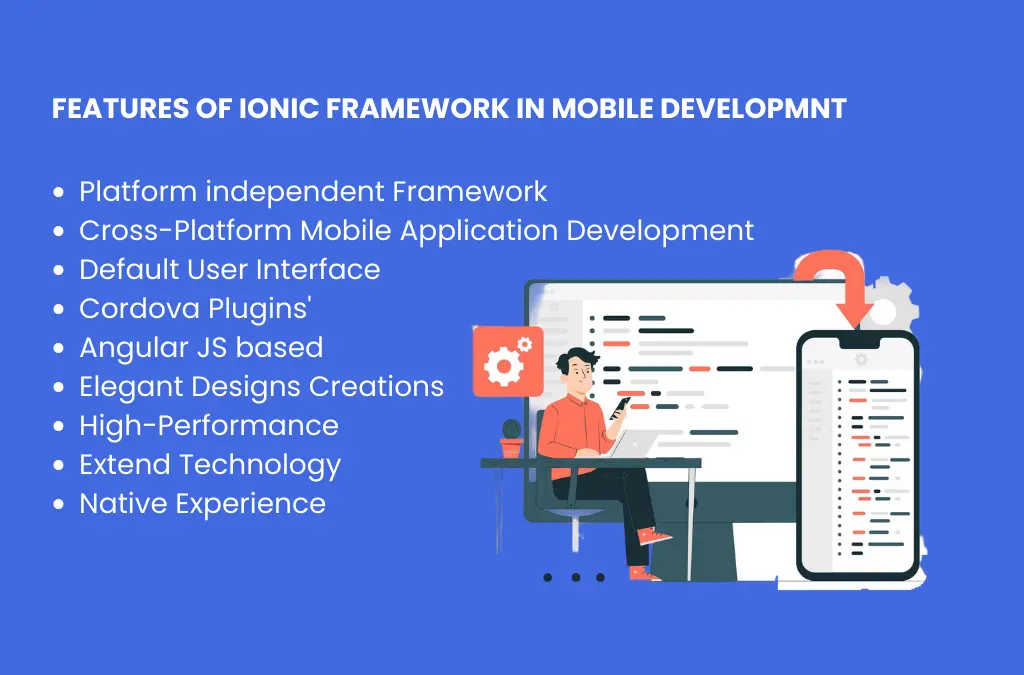
Step 1: Install Ionic CLI
First, you need to install the Ionic CLI. Open your terminal and run:
npm install -g @ionic/cli
Step 2: Create a New Ionic Project
Create a new Ionic project using Angular as the front-end framework:
ionic start myApp tabs —type=angular
This command sets up a new Ionic project with a pre-configured Angular setup and a tabs template.
Step 3: Run the Project
Navigate to your project directory and run the app:
cd myApp ionic serve
Kickstart your journey with a simple command that launches a development server and opens your app in your default web browser, bringing your vision to life instantly.
Step 4: Add a New Page
To add a new page, use the Ionic CLI:
ionic generate page about
This command creates a new page named ‘About’ with all the necessary files and configurations.
Building and Deploying
When your app is ready, you can seamlessly build it for various platforms, unlocking endless possibilities for users everywhere.
For example, to build for Android:
ionic build
ionic capacitor add android
ionic capacitor run android
Similarly, you can add and run your app on iOS or deploy it as a Progressive Web App (PWA).
Conclusion
Combining Ionic with Angular provides a powerful toolkit for building cross-platform mobile applications. With the rich set of UI components, efficient development tools, and the robust architecture of Angular, developers can create high-quality apps with ease. Whether you are a seasoned developer or just getting started, Ionic with Angular is a fantastic choice for your next mobile app project.